Information Technology Services
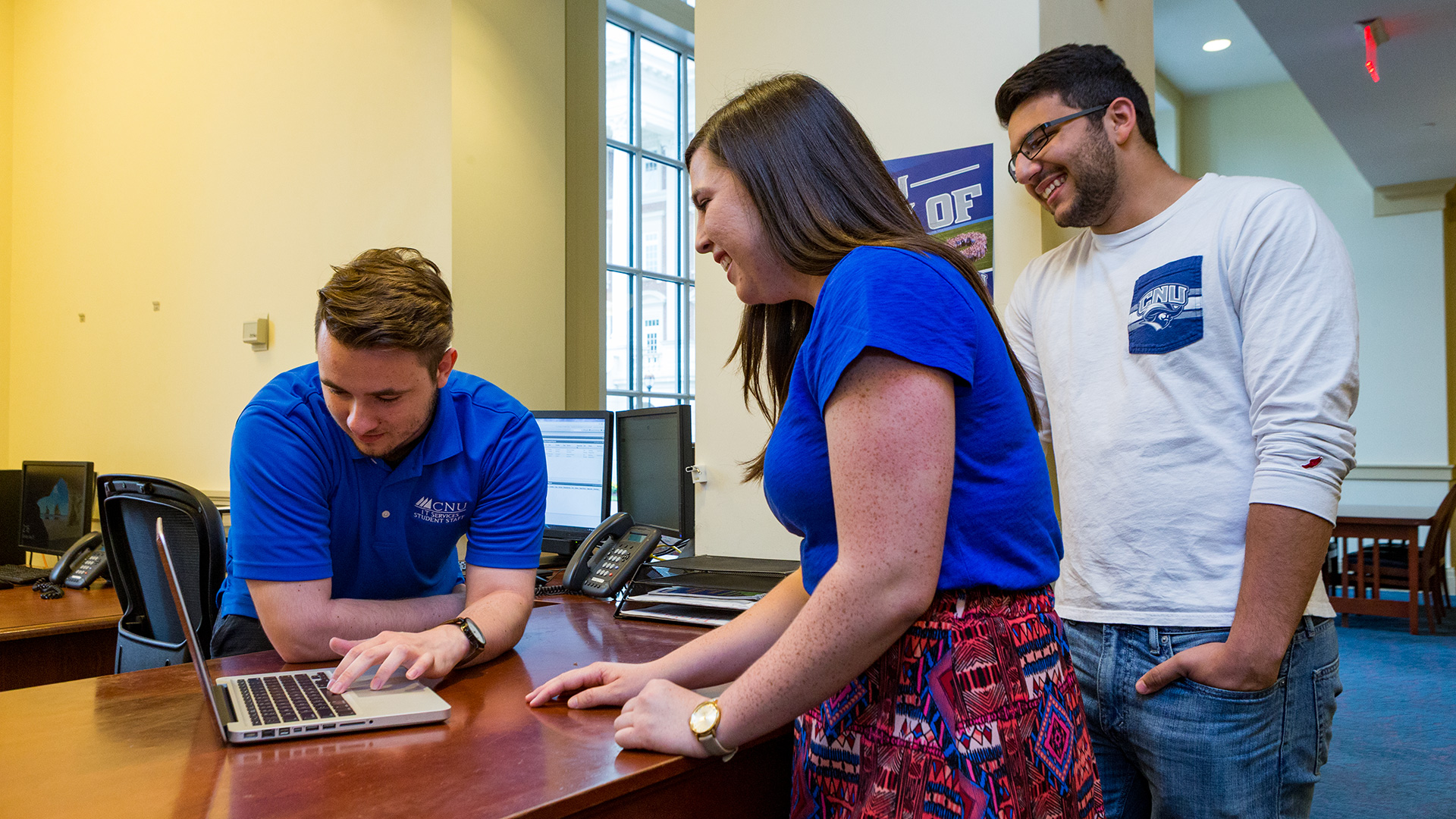
We offer a wide range of services for students, faculty and staff, including recommendations for computer purchases; support for enterprise applications; or assisting with desktops, laptops, printers, mobile devices or other related technologies.
Our ITS Campus Knowledge Base is the repository of IT Services documentation designed to help you look up the answer to a wide variety of questions about the technology services available on campus.
Announcements
IT Services Offline Saturday, May 30th
Page added by David Edgar
Colleagues,
All campus information technology services will be offline this Saturday, May 30th, while Bev Vaughan Hall is powered down for electrical maintenance. The outage will begin at 5 a.m., with services expected to be restored by 3 p.m.
If you have any questions or concerns, please let me know.
Justin Davenport
April 2026 ChangeLog
Page edited by David Edgar
Colleagues,
It's been a productive semester. We recently kicked off our Banner SaaS project, which will provide the foundation for a modern, integrated way to engage with campus student, financial, and human resources services and data. I am grateful for the high level of campus engagement we’ve already seen.
Behind the scenes, we’ve also modernized much of our Windows platform and brought new security services online. You can’t see many of these upgrades, but they are critical to enhancing the security and stability of our information technology.
There are several updates below. As always, I appreciate any and all feedback.
Justin Davenport
Digital Accessibility Day, May 13th
Join us for CNU Digital Accessibility Day on Wednesday, May 13th, in LUTER 109 to help ensure your course materials meet Title II compliance standards. This day-long event features sessions on Ally updates, Ultra accessibility tools, and the role of AI in creating inclusive learning environments. Whether you attend the morning or afternoon tracks, please bring your laptop for hands-on support to work through specific fixes with expert guidance. We look forward to seeing you there as we work together to enhance digital accessibility across our campus. The agenda is available via Google Drive.
Data Continuity in Google Drive's “My Drive”
Google Drive is a great service, but it has one significant challenge. If you share a folder in "My Drive" and allow others to create documents within it, the creator of those files is the owner. Even though those files appear in your "My Drive," you are not the owner, they do not belong to your account. You can verify the ownership of any file via the "Owner" column in the Google Drive file listing.
Why does this matter? If a CNU account is terminated or deleted, any files owned by that user will be deleted as well, even if they are located in your My Drive. Additionally, if a user decides to purge files they own, those documents will disappear from your My Drive immediately.
We have updated our Google Drive documentation to help you mitigate this, and we strongly encourage the use of Google Shared Drives, which avoid these ownership pitfalls. As always, if you have any questions, please let us know.
Retiring Google Photos, December 1, 2026
As part of an effort to reduce our Google storage needs, we will deactivate Google Photos from our Christopher Newport Google services on December 1, 2026. We're announcing this change now, to give everyone ample opportunity to remove their photos.
We will have more guidance available over the summer, but if you want to move your Google Photos now, we're here to help.
New ITS Service Catalog
I’m excited to share that our first ITS Service Catalog, a public "menu" of services provided by ITS, is now online. The Service Catalog will be a living document, with additional service details in the near future.
Administrative / Auxiliary Network Upgrade Nearing Completion
The ITS Infrastructure team is close to completing the network upgrade of new edge switches and Wi-Fi access points across Freeman Hall, Bev Vaughan Hall, David Student Union, Ferguson Center, and Christopher Newport Hall. Outdoor access points, along with access points requiring a lift, are the only items that remain.
Campus IT Outage Saturday, May 30, 2026
Due to electrical maintenance work in Bev Vaughan Hall, the campus data center will be powered down at 5 a.m., Saturday, May 30. This outage will affect almost all campus IT services, including Banner, the F:\ drive, and many others. We hope to have all services restored by 2 p.m. the same day.
Fall 2025 Update
Page added by David Edgar
Colleagues,
We're excited to see everyone back on campus with the start of the fall semester. The ITS team had a productive summer, with several updates worth reading below.
As always, if you have any questions, please let me know.
Justin
Less Frequent Password Changes
We're making managing your @cnu.edu account easier. You will now only be required to change your @cnu.edu password once a year (every 365 days) instead of every 90 days. With the security of our Multi-Factor Authentication (MFA) platform, this new one-year policy reflects information security best practices.
A Simpler Way to Log In to Your Windows PC
Signing into your Christopher Newport Windows PC is now simpler. You can now use your familiar CNU email address to log in to Windows, instead of your CNU ID number. Making this switch will assist us in introducing new Microsoft resources in the near future.
Eduroam Certificate Upgrades
Over the summer, ITS completed an upgrade of the security certificates associated with our eduroam Wi-Fi service. For most personal (non-CNU) Android and Windows devices, this change occurred without incident.
For personal Apple devices, you may need to remove the previous certificate and install a new one. Please refer this knowledge base article for more information:
Removing Management Configuration Profiles From Personal Apple Devices
Faster Wi-Fi and Upgraded Academic Network
The ITS Infrastructure team just completed the network upgrades of McMurran, Forbes, Luter, Trible Library, and the academic areas of Ferguson with new network switches, cabling infrastructure, and Wi-Fi access points. We appreciate everyone's patience this summer as the upgrade required building network disruptions.
Please note that with our focus on Wi-Fi, not every Ethernet port is active by default. Everyone is encouraged to use our upgraded Wi-Fi network. However, if you need a network port activated, please contact the Help Desk.
Loaner Technology Available at the ITS Help Desk
The loaner laptop program is now managed by ITS and available at the Help Desk in the Trible Library 24/7 Room. If you need to briefly borrow (for up to a week) a Mac or Windows laptop, please submit a request to the Help Desk. I would like to thank Johnnie Gray, for his support in transitioning this program from the Library to ITS.
More information about the loaner process is available in the knowledge base.
Local / Personal Printers Removed from Procurement List
With the focus on campus sustainability, local / personal printers are no longer listed on the ITS Procurement List. We will continue to encourage the use of efficient shared networked print devices, which are plentiful across campus. If you need assistance connecting to a networked printer or have questions regarding local printers, please contact the Help Desk.
New Digital Signage Online
The ITS Audio-Visual team upgraded digital signage across the campus, with new screens and a new content management platform. The AV team will continue to manage and support the overall digital signage technology, our colleagues in OCPR will manage the content ensuring it reflects the university brand.
If you would like to explore the possibility of new digital signage in your location, please contact the Help Desk.
Instructional / Classroom AV Upgrades
The instructional audiovisual refresh this summer included the following rooms:
Ferguson A182, A183, A213, A210, A222, A223
Trible 170, 208, and 209
In addition, all classrooms are now equipped with new Epson Document camera technology that can also be used as a webcam. More information is available via the Document Camera Guide in the knowledge base.
Training Sessions on Scholar and DocuSign
ITS will be offering a number of training sessions on Scholar the weeks of August 11-15 and September 1-5. Whether you want a refresher on how things work in Ultra, or you want to take advantage of some of the advanced features, these online sessions will get you ready for the semester. We offer sessions on everything from assignments and tests, to the new AI and accessibility features.
Please visit the full calendar for details and don't forget to sign-up!
New Unified Data Policy
ITS is conducting a review of all information technology related policies and standards, to ensure alignment with industry and academic information security best practices. In July, a new Unified Data Policy 6015 went into effect.
Cable TV Service Change
This summer ITS retired our campus Apogee satellite Cable TV services, shifting the remaining services to Cox Communications. If you have questions or are interested in the new service, please submit a request.
Wireless Network
Christopher Newport is now part of the eduroam WiFi network. eduroam (education roaming) is a secure, worldwide roaming access service developed for the international research and education community, available at thousands of institutions worldwide. Christopher Newport provides eduroam network access across the entire campus.
Click below for instructions on connecting to eduroam.
If you plan to travel and would like to know if the eduroam network is available where you are going, please click below.
Once you have successfully connected to eduroam on campus, your device will automatically connect to the eduroam network off campus at participating institutions.
Visitors from institutions participating in eduroam should use the credentials provided by their home university or research institution. Please be aware, if you experience issues authenticating to the eduroam network, you must refer to your home institution's support desk for assistance.
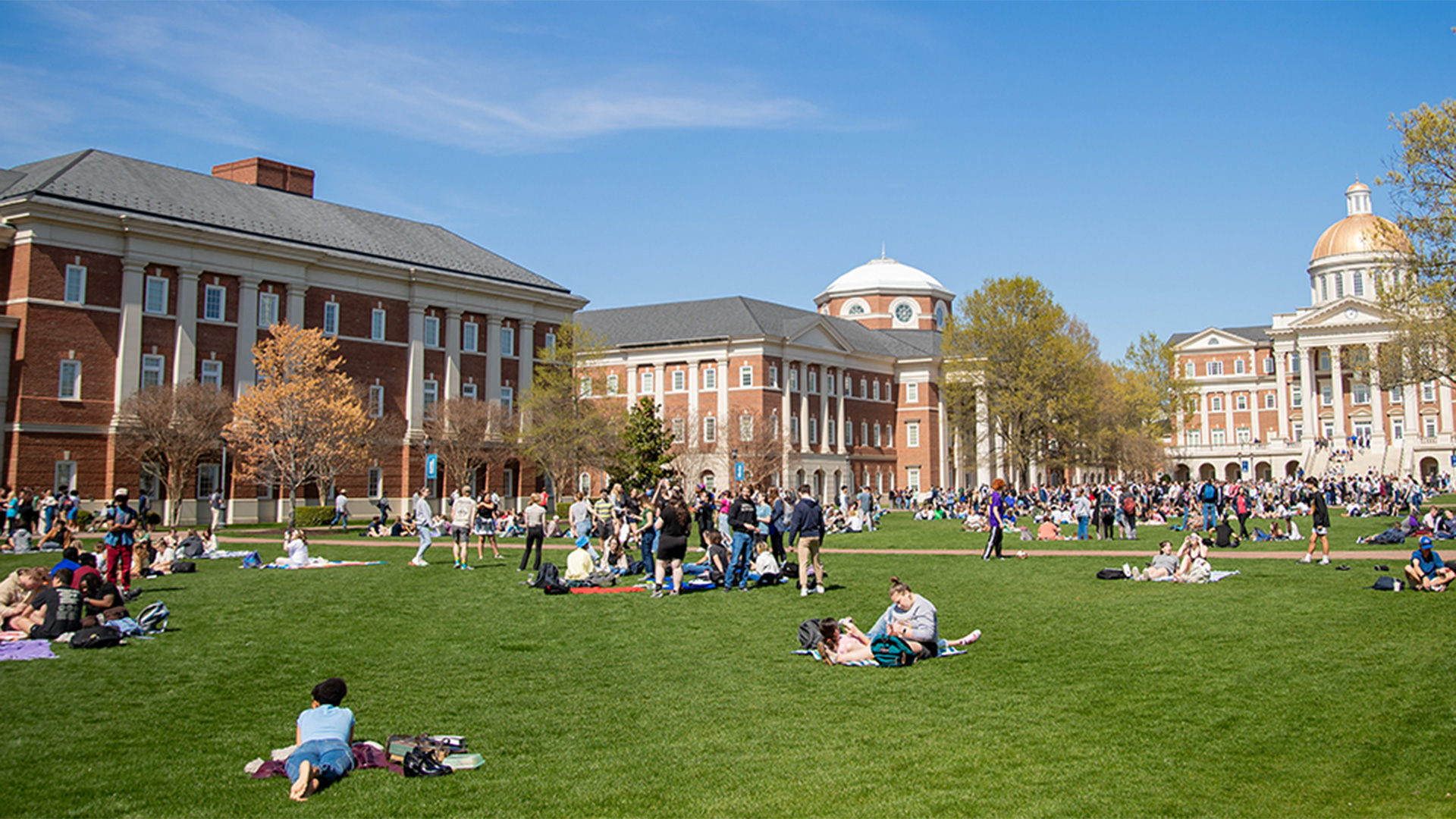
Visitors to Christopher Newport have access to free guest wireless access while on campus. Access to our guest wireless network is available in most buildings and outside on the Great Lawn. Click the link below for directions on how to connect to WiFi-CNU-Guest.
Resources
ITS Campus Knowledge Base
ITS related How To articles and information.
IT Services Helpdesk (Helpspot)
Submit an IT help ticket.
help.cnu.edu
Request assistance — from password resets to maintenance tickets and more!